Grouping Tool
Productivity tool for Unity
Alexey Strelkov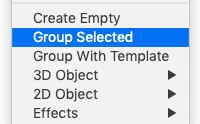
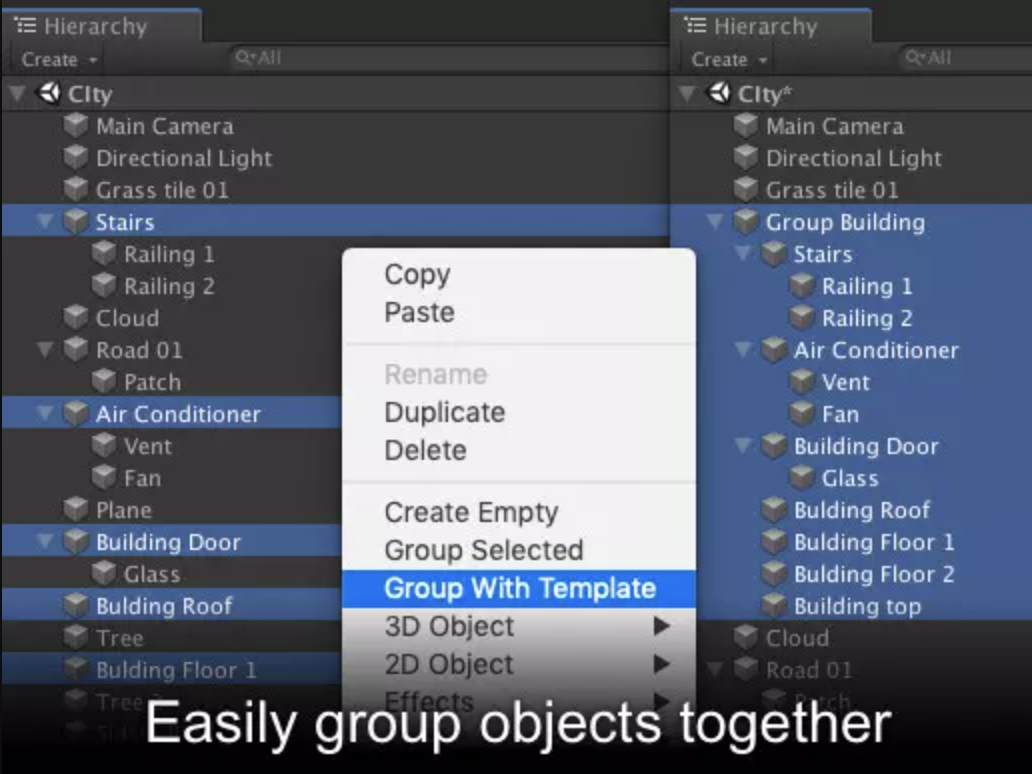
Grouping Tool is an Editor Asset for Unity that can easily group GameObjects together right in the Unity Hierarchy Panel from the context menu or with a keyboard shortcut (Cmd+G on Mac or Ctrl+G on Windows).
By default objects are grouped into an empty GameObject.
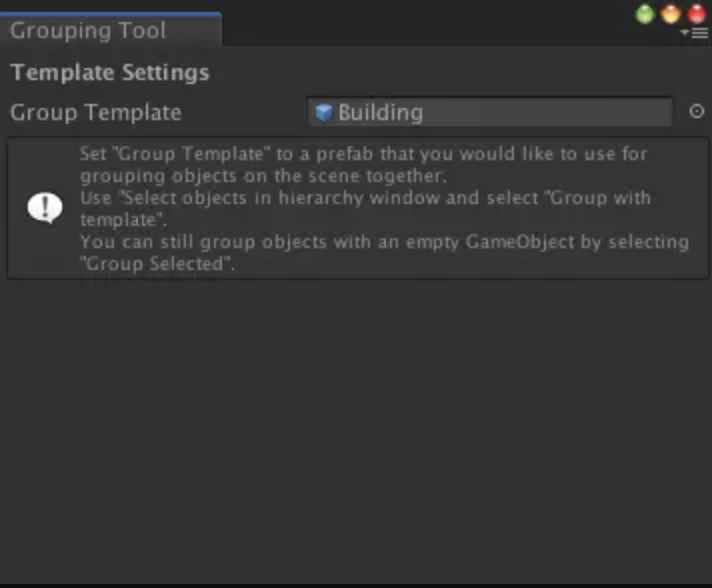
Custom Prefab templates can be used to group objects together.
Background
While working on Holes Online I was building a city level from lots of multi-storey buildings. Each building was composed of various blocks representing different floors, windows, roofs, etc. I’ve built building from this blocks and nested them under a group objects with several pre-defined components attached to it.
At some point of my workflow I became frustrated with the lack of “Group objects” option in Unity, so I decided to look for existing solutions. I did not find anything that satisfied me, so I decided to create an asset to speed up the workflow.
Screenshots